New updates!
BIG ONES!!!
Firstly, there is a new optional theme that you can choose named “Morph”.
This isn’t really a big change for users that use the “dark” theme already.
The most noticeable differences being:
Rounded buttons 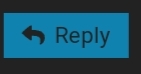 →
→
Darker tones. White, grey and black used throughout to match MorphMarkets scheme.
To apply this theme, head over to your profile by clicking your profile picture in the top right.
Click the little user icon ( ) and select “preferences” → “interface” →"theme".
Secondly, hovering videos.
Now when someone posts a video in a thread, you can click this little icon in the top right corner of the video player…

And it will pop up as this little box in the corner of your screen… 
This allows you to continue browsing any part of the forum you wish while still watching the video. This is a perfect way to spend your date with Dr Travis Wyman.
There is known issues beyond my powers to address with this.
-
If you switch the side of the screen that the pop-up player sits while watching a video, it will restart the video.
-
You must press play before leaving the source topic
The third and biggest change is the new “featured tiles” across the top of the latest page.
Desktop:
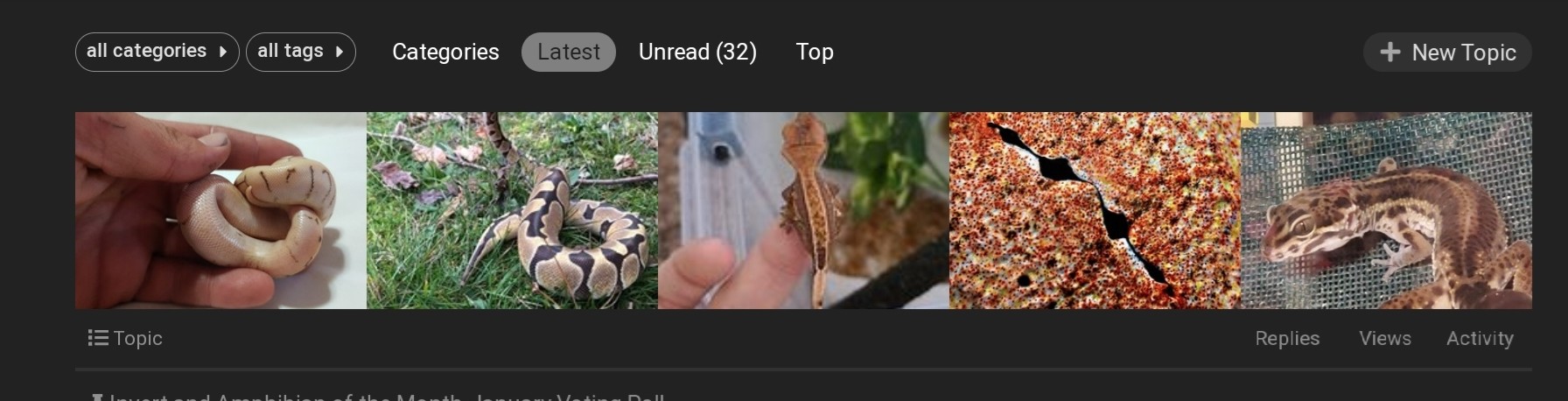
Mobile:
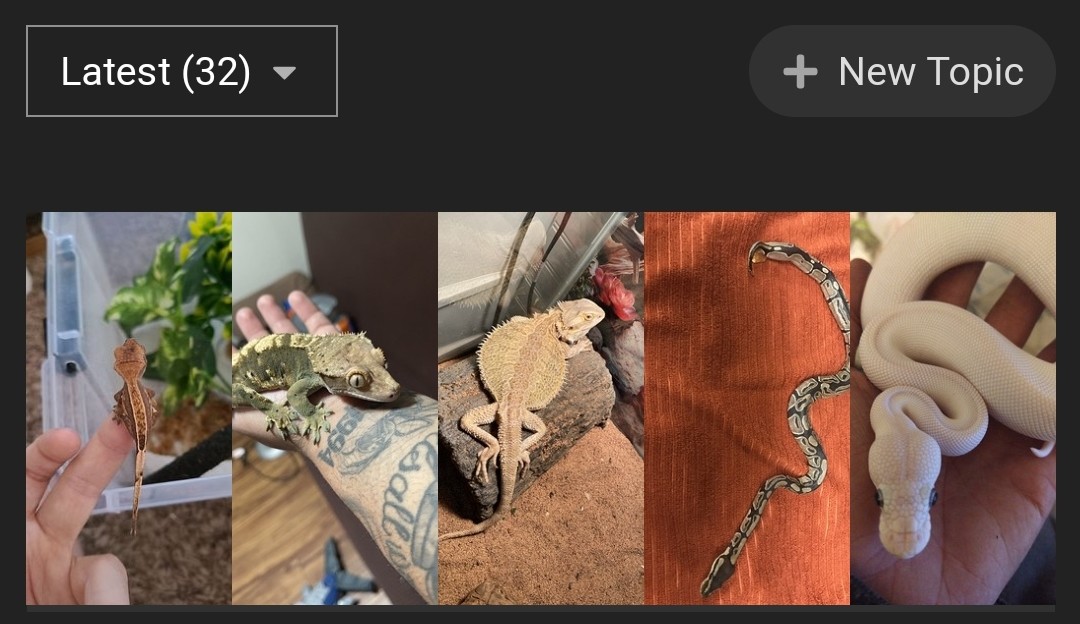
I have gone back and added around 100 past posts that fit this criteria so that we have something to look at.
If you don’t see any of these changes (remember, you need to manually opt-in to the “Morph” theme), please completely close the site and reopen it.
If you have any issues, questions or feedback please feel free to drop them below.